01Contact & brief
Startthe brief.
Tell us what you are making. A tech pack, a reference photo or a sketch on a napkin all work. We reply with questions, the route that fits (OEM or ODM), sampling steps and a quote.
- Reply
- Questions firstThen route, sample, quote
- Route
- OEM or ODMYour tech pack or our design
- Files
- ≤ 20 MBpdf · ai · png · jpg · zip
- Sialkot time
- --:--PKT · UTC+5
02Your brief
Weave your brief.
Every field you fill weaves another line into the label. Required fields are marked *. Nothing is sent until you press “Send brief”.
Prototype form · not yet connected. On submit it prepares an email with your brief.
03What happens next
From brief to box.
Six steps after you press send. Sampling and production timing is set per style and written into your quote, so there are no durations here — just the order things happen in.
-
Step 01
Reply with questions
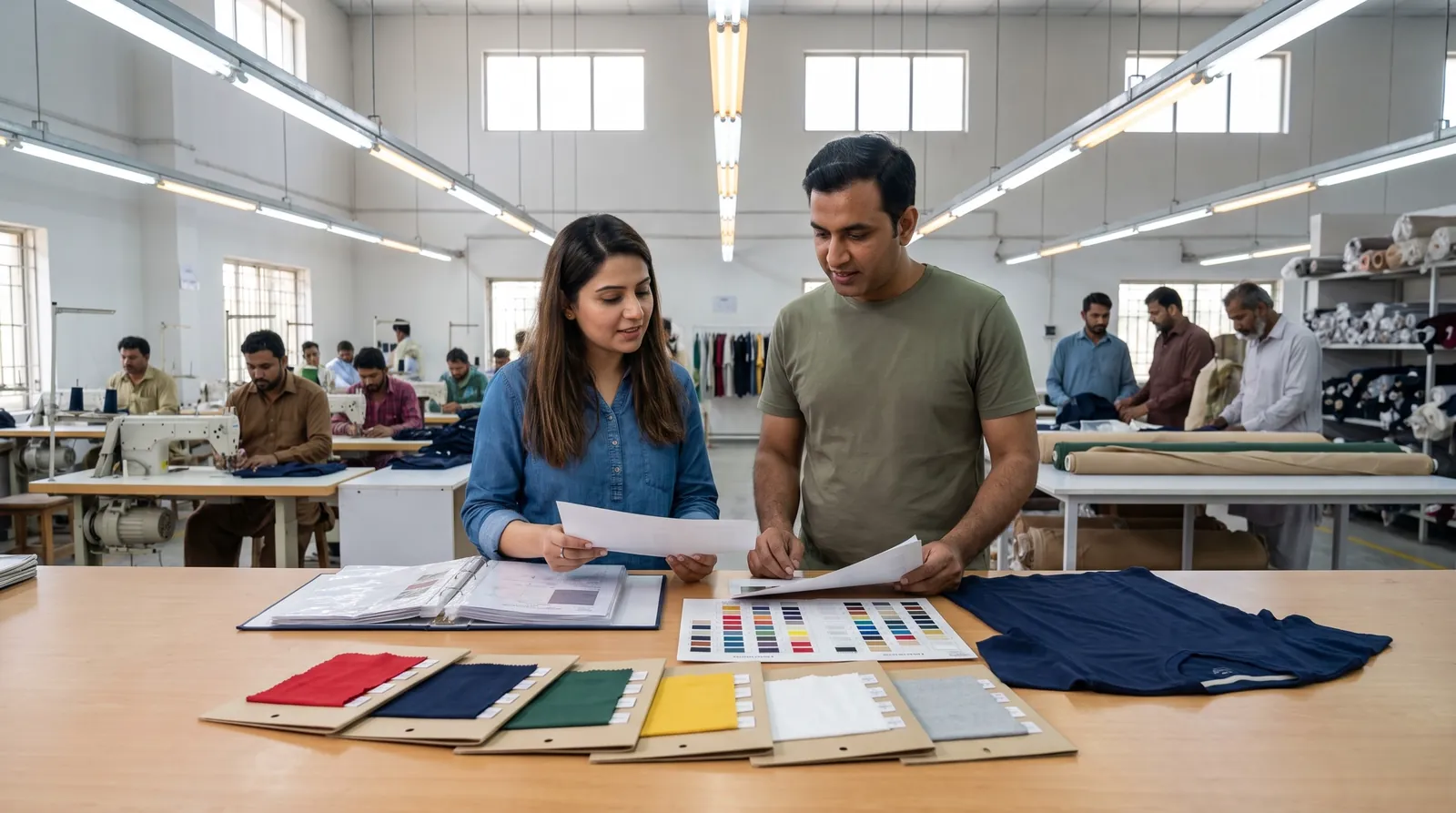
We read the brief and come back with the questions that shape the quote: garments, fabric, decoration, sizes, quantities.
-
Step 02
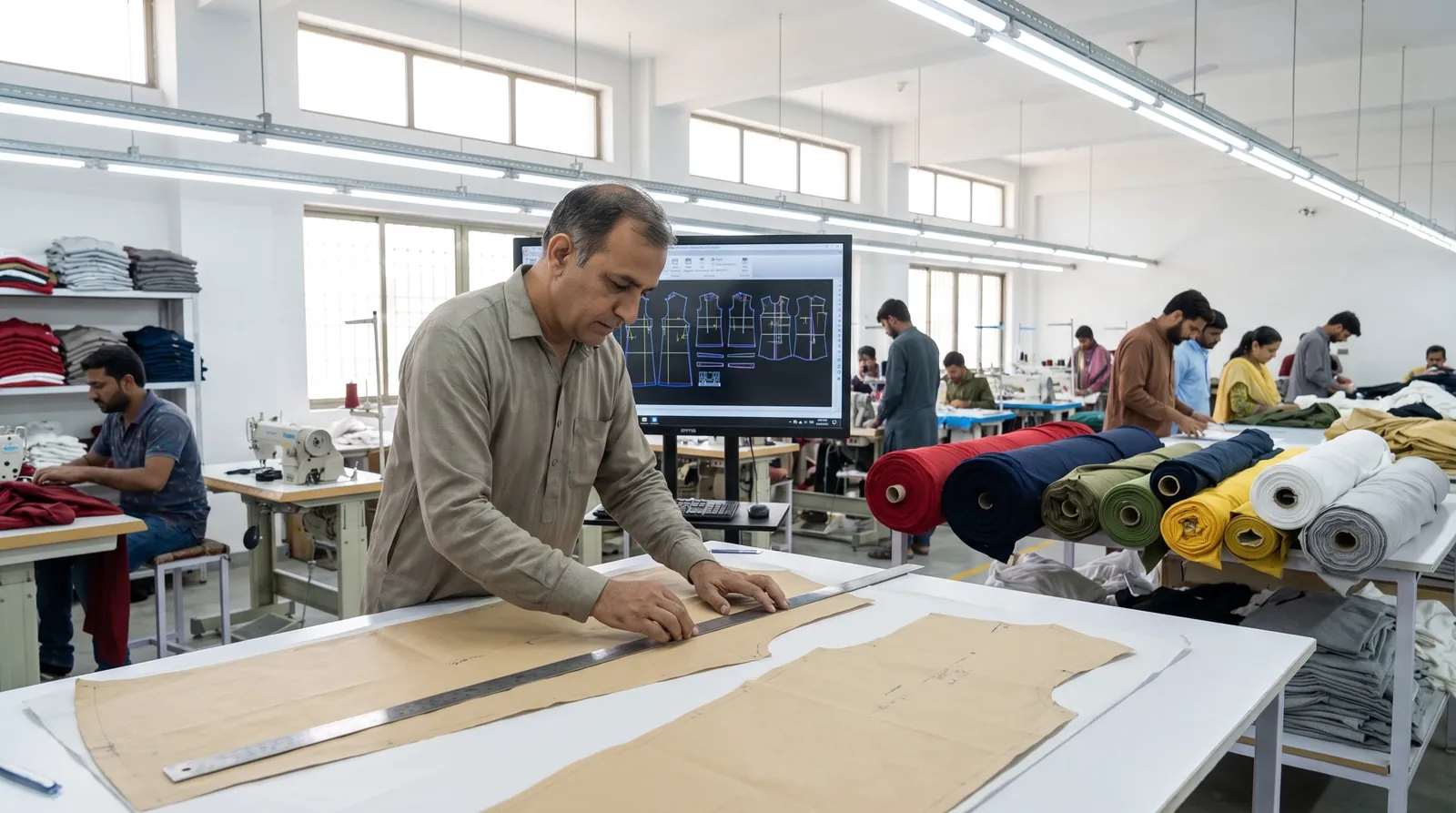
Route: OEM or ODM
Your tech pack goes straight to sampling (OEM), or our team designs the range with you first (ODM).
-
Step 03
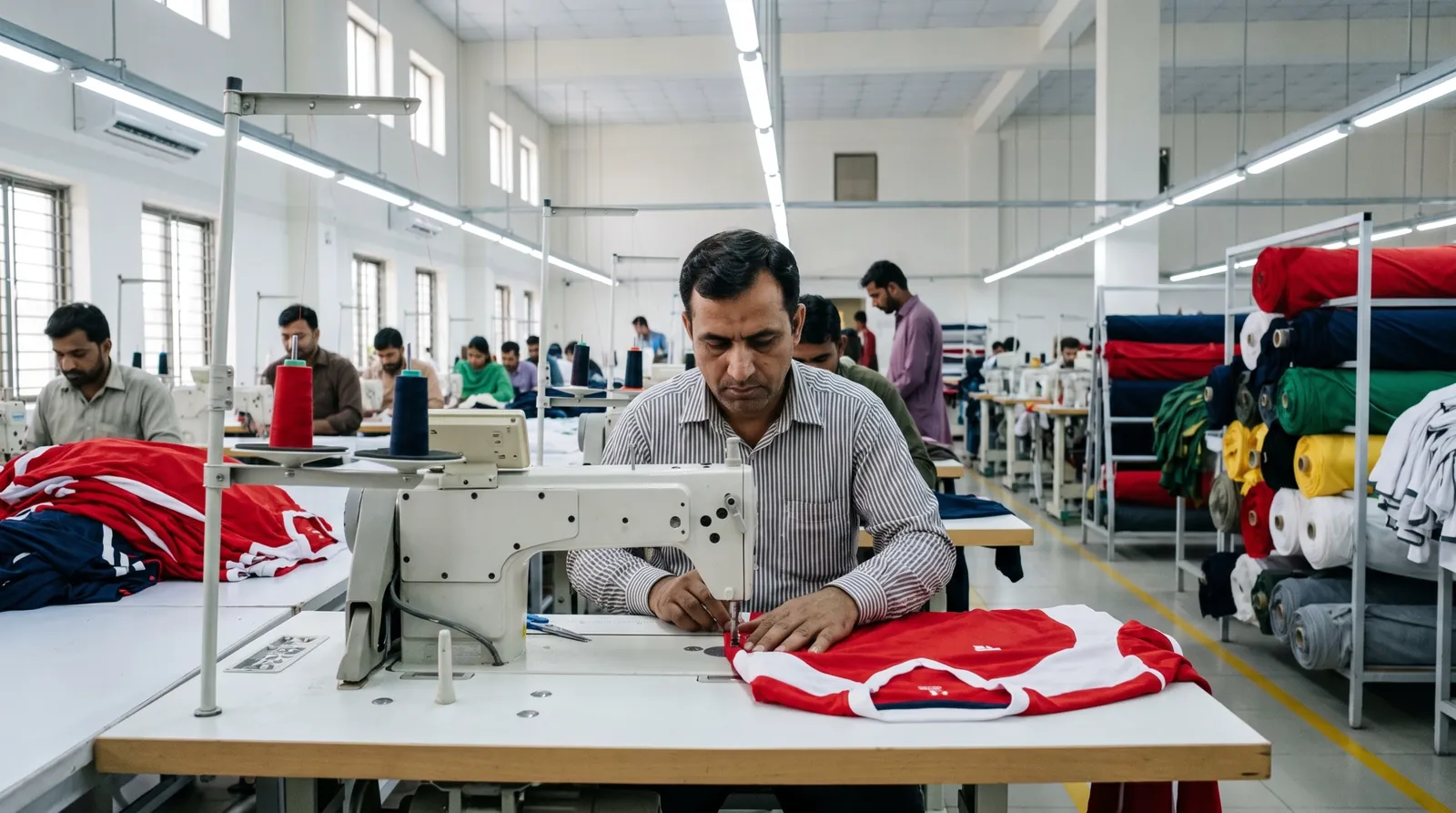
Sample
A first sample is made so you can check fit, fabric, colour and decoration on the real garment.
-
Step 04
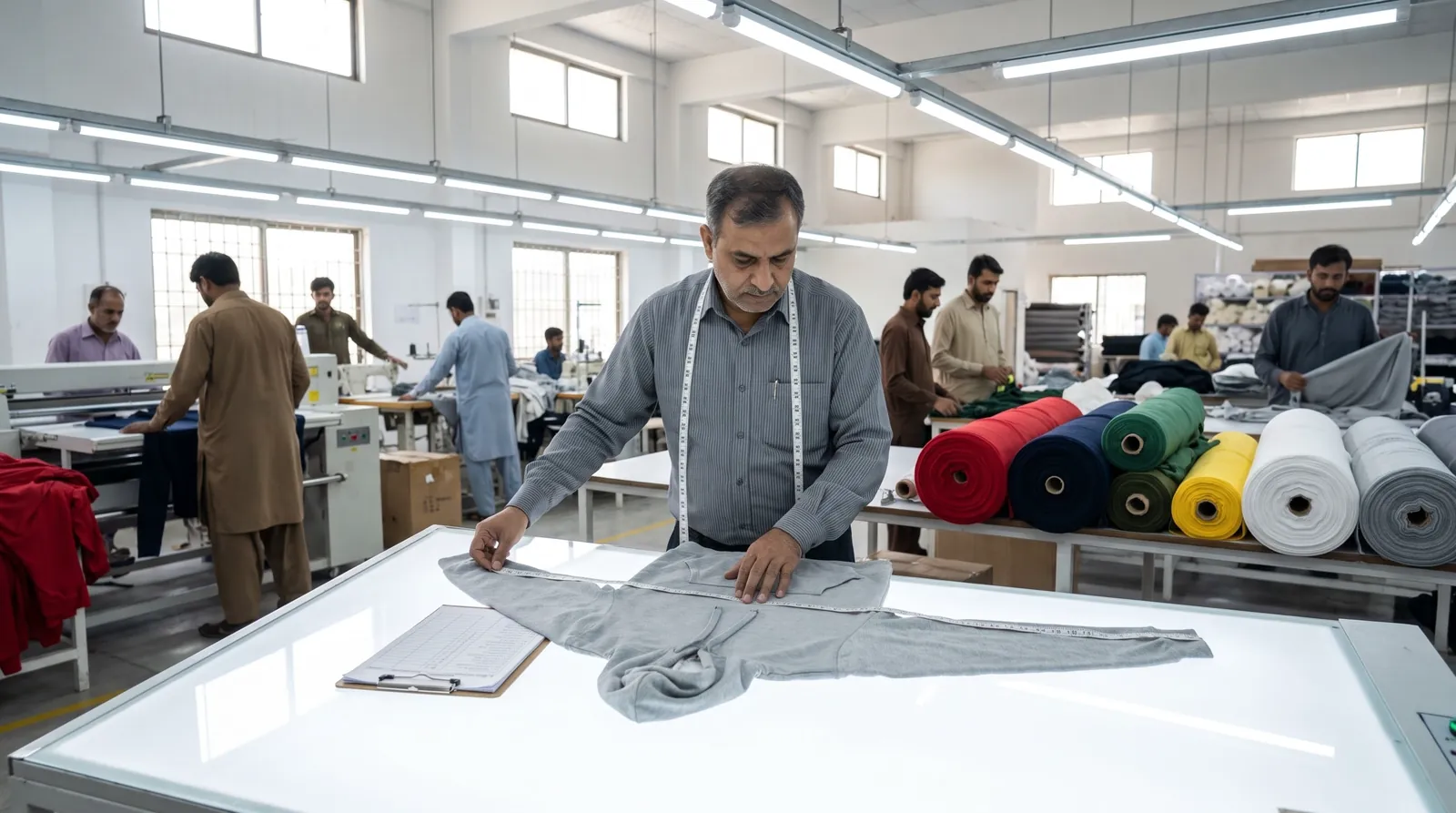
Approval
You approve the sample — or we revise it. The approved sample becomes the reference for the run.
-
Step 05
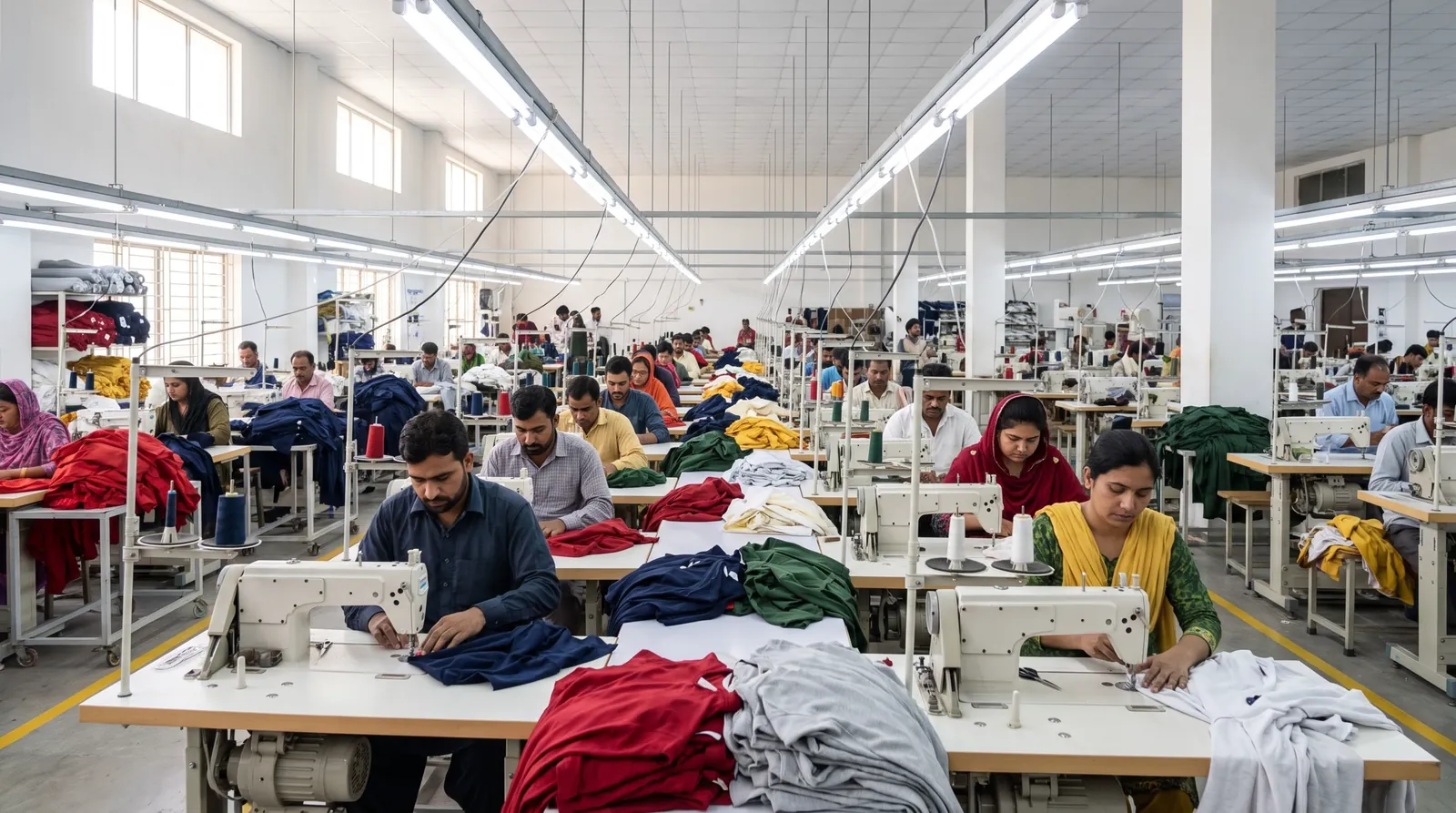
Production
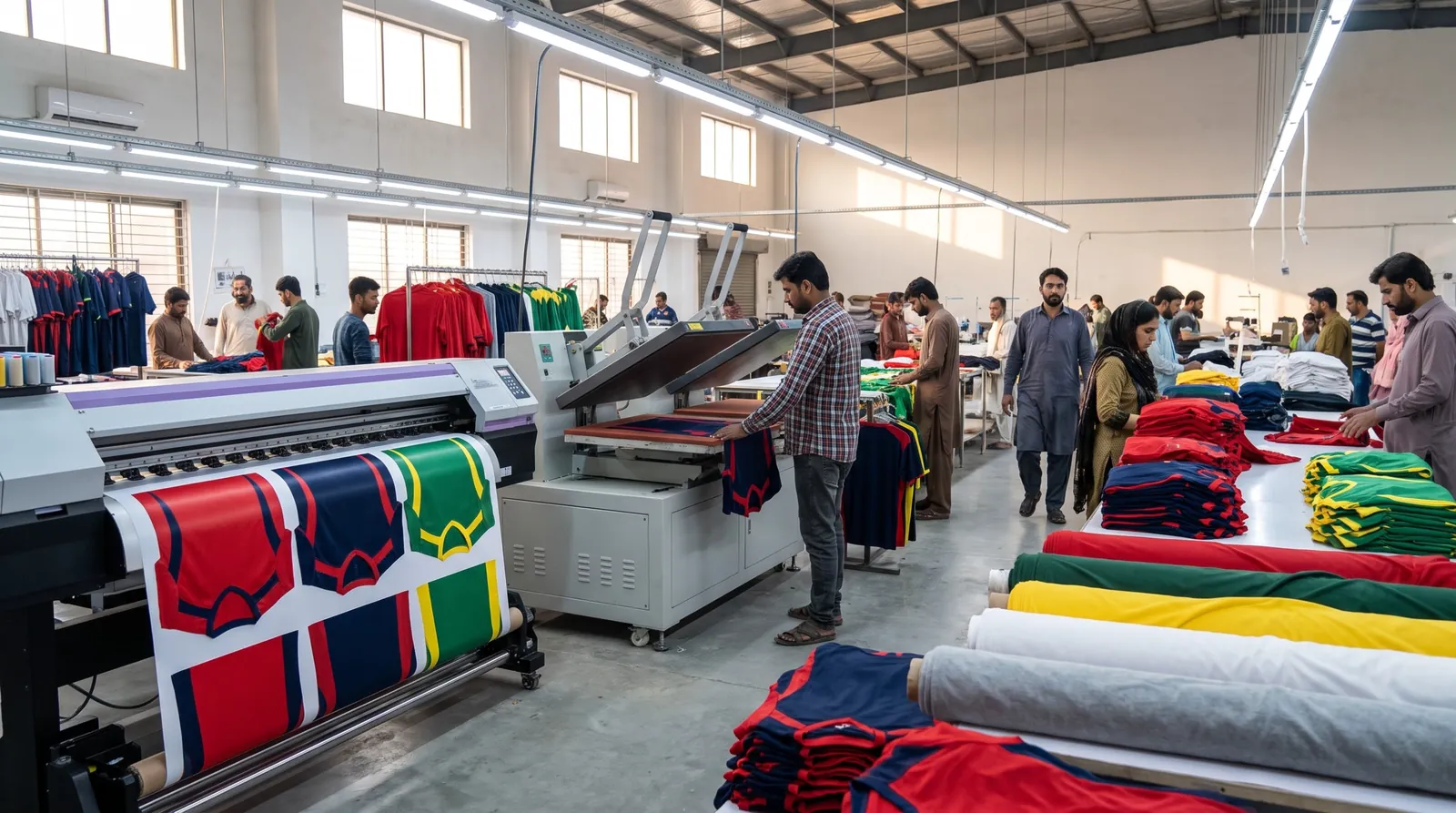
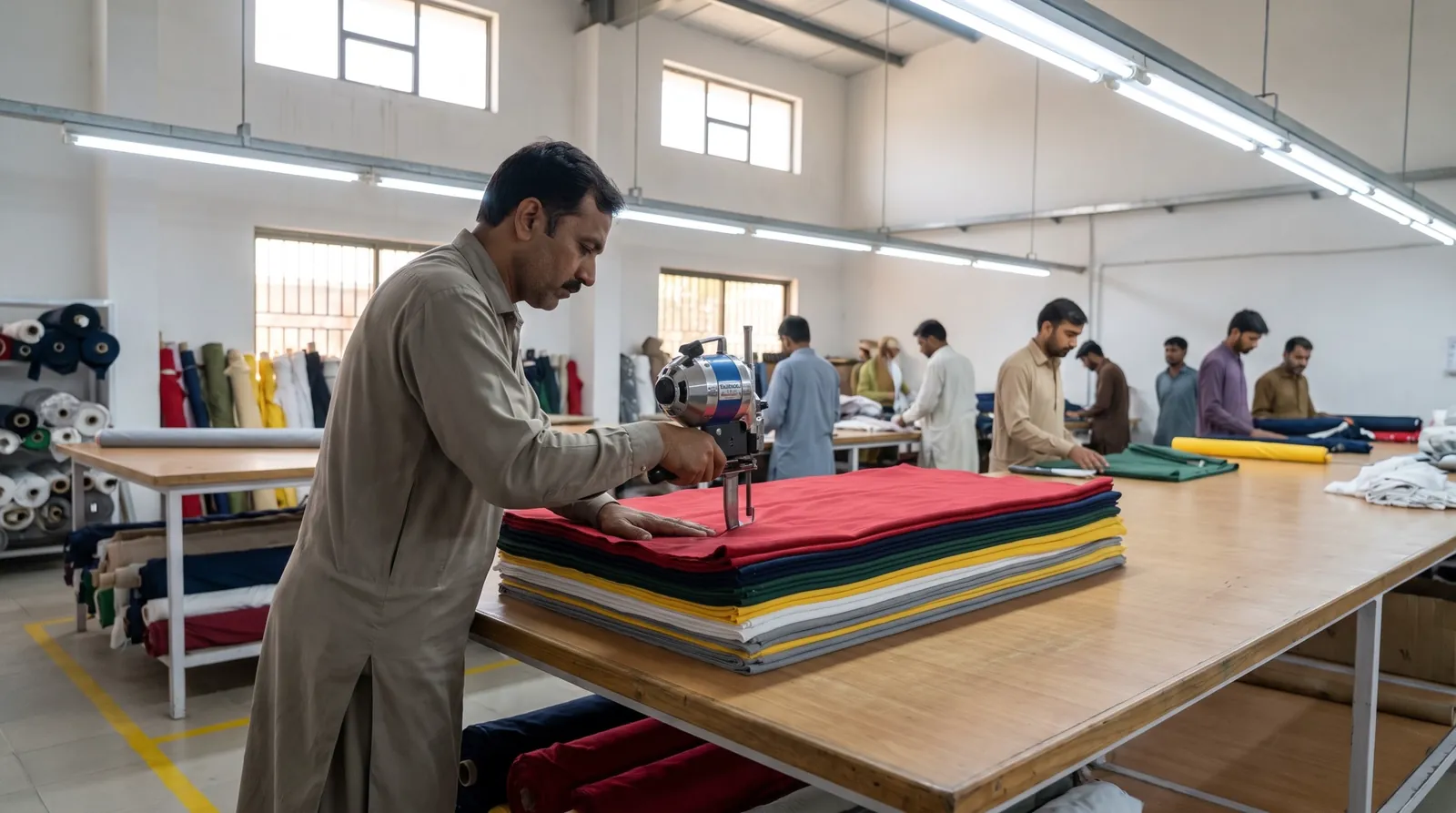
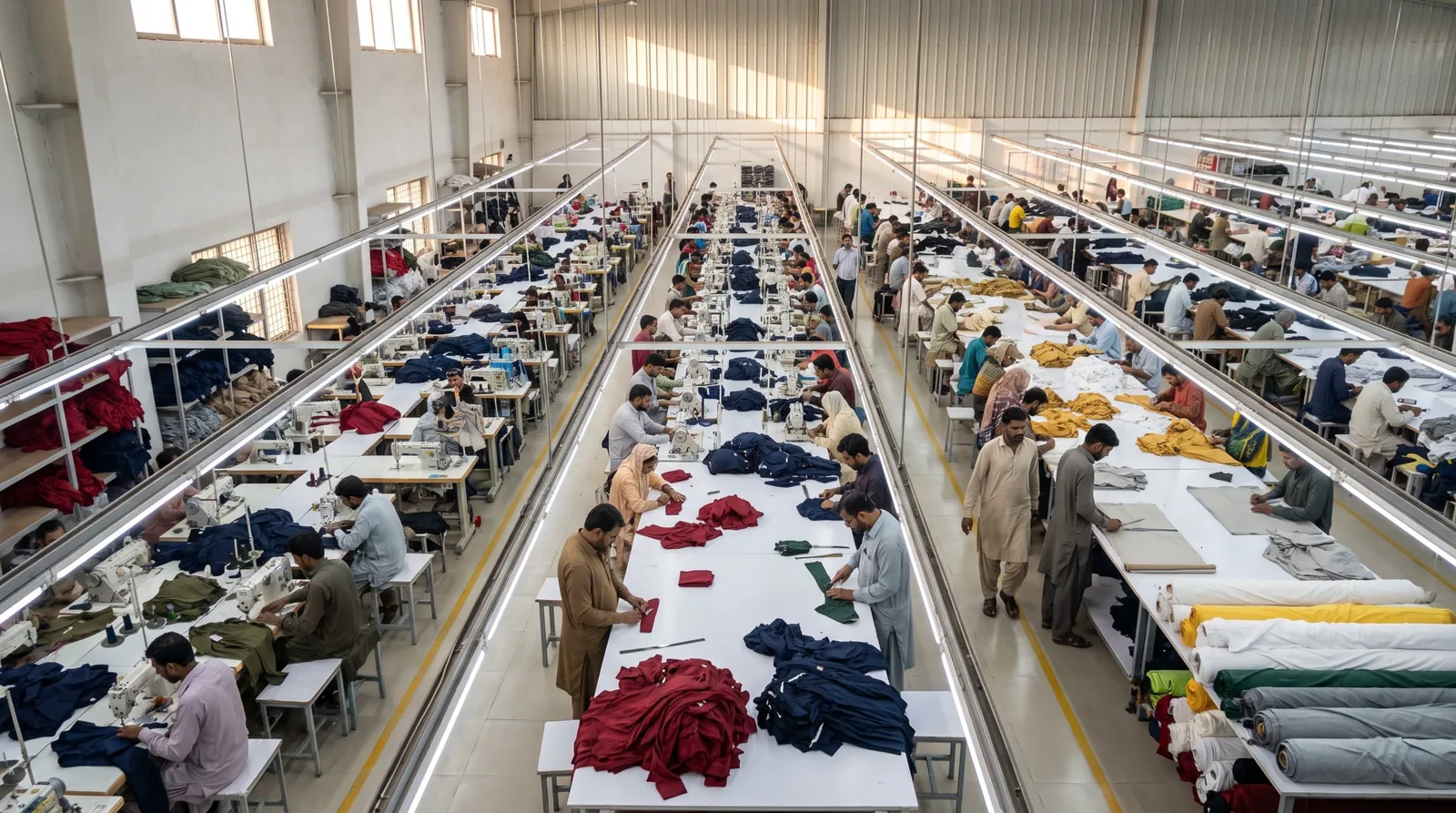
Fabric is cut, decorated and stitched for the full run, checked against the approved sample.
-
Step 06
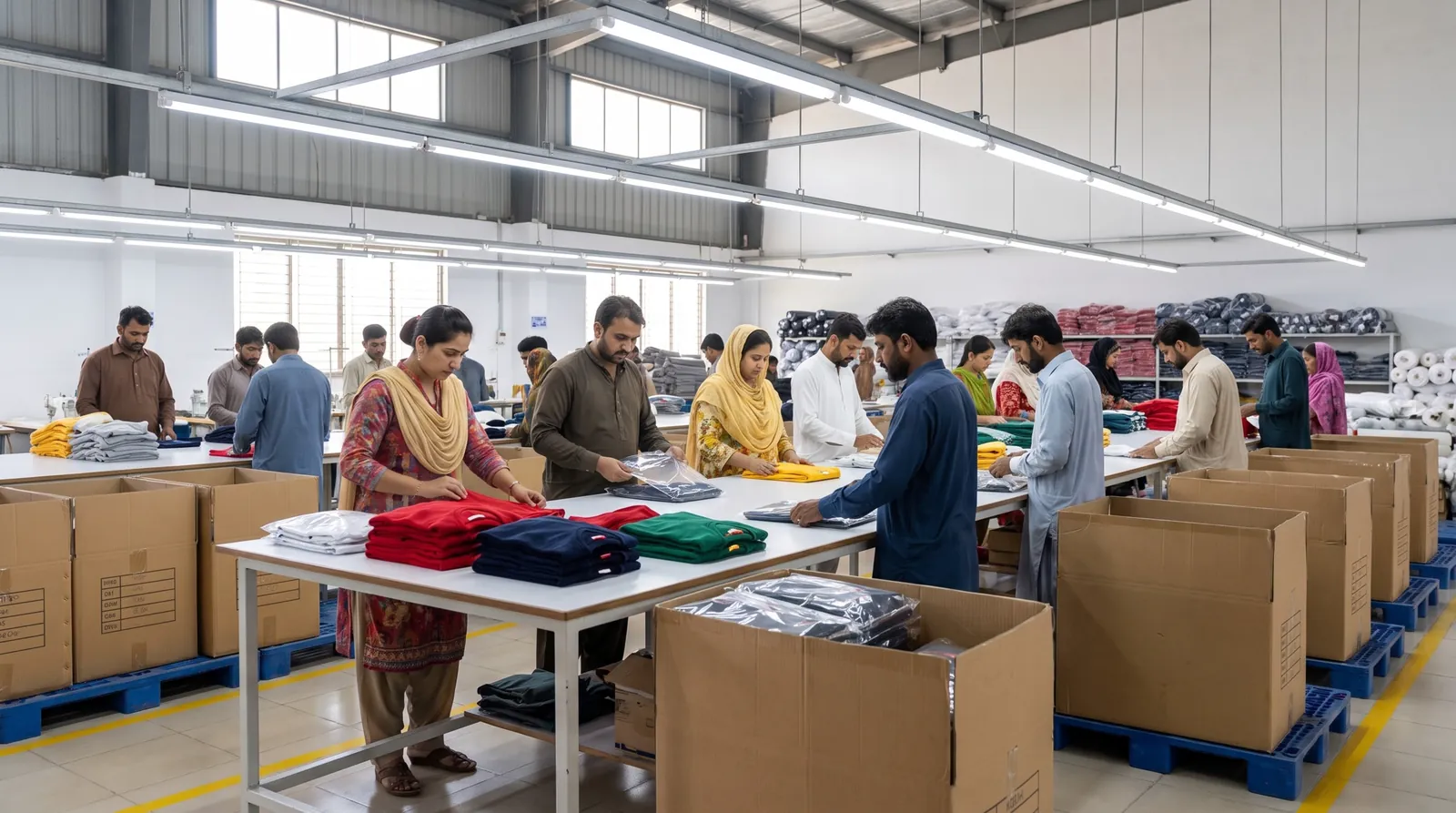
Packing
Folded, labelled, bagged and boxed the way your brief describes.
04Other ways in
Prefer a direct line?
The brief is the fastest way to a useful answer, because it carries everything we need to quote. If you would rather start with an email, use the address below and attach what you have.
05What to include
A brief that quotes fast.
General guidance. None of it is required to start — send what you have and we ask for the rest.
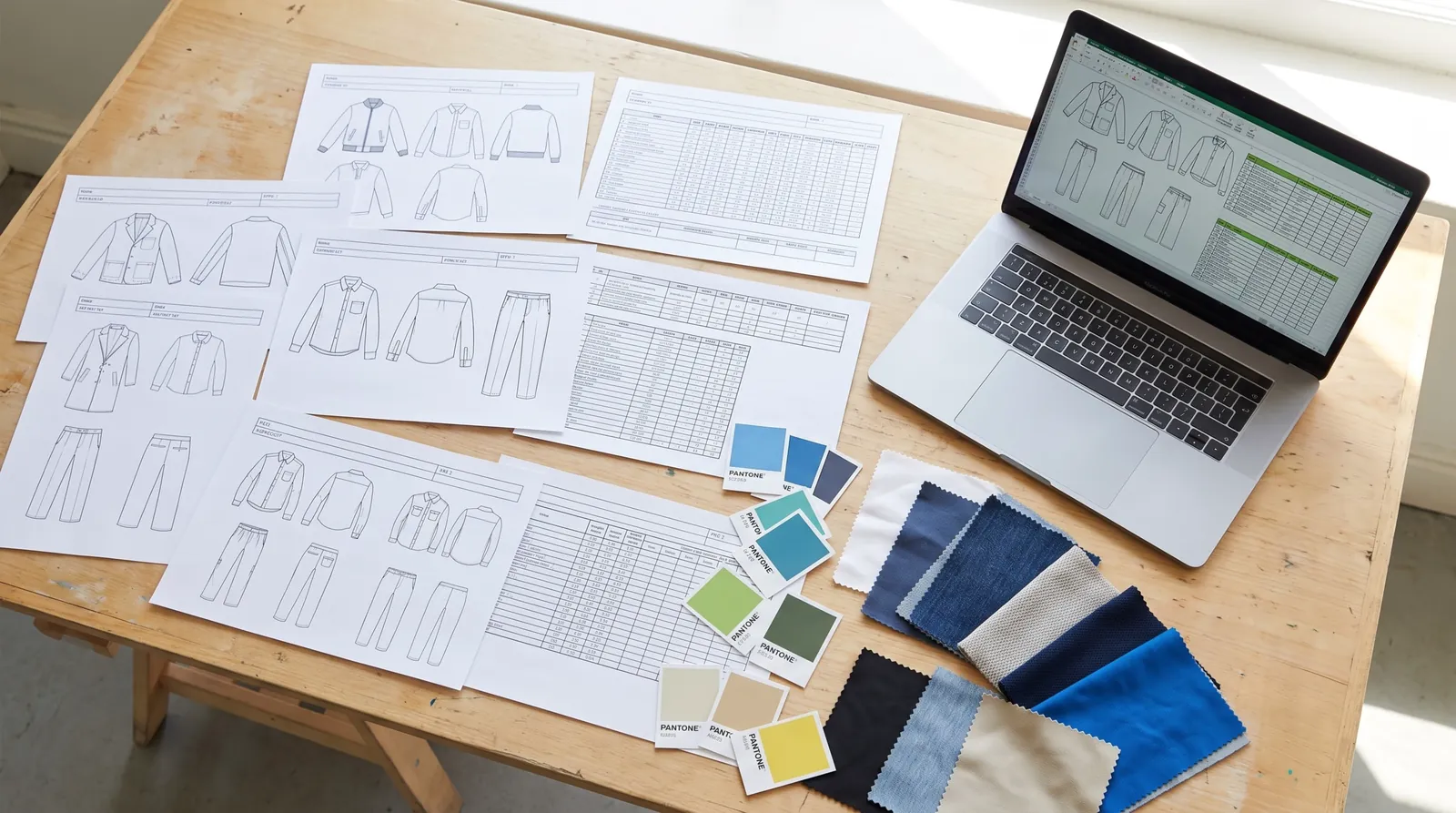
- 01Garments & quantitiesWhich styles, and how many per size. Estimates are fine.
- 02FabricComposition or a reference garment. We suggest options if unsure.
- 03ColoursPantone references or physical swatches for every colourway.
- 04ArtworkLogos as vector (AI, PDF or SVG inside a ZIP) with placement and size.
- 05Labels & packagingNeck labels, care labels, swing tags, polybags, cartons.
- 06Date & destinationWhen you need the goods and where they are going.
06Briefing
Brief FAQ.
How briefing works, what to send and what happens to it.
Do I need a tech pack to send a brief?
No. A tech pack is ideal for OEM, but reference photos, a garment you like, a sketch or a written description all work. If you want us to design the range (ODM), tell us the look, the customer and the quantities.
What should a good brief include?
The garments and quantities per size, fabrics or references, colours, decoration and placement, labels and packaging, the delivery country and the date you need the goods by. Anything missing, we ask about.
Which files can I attach?
PDF, AI, PNG, JPG or ZIP, up to 20 MB each. In this prototype files stay in your browser: they are checked here and listed in your brief, and you attach them to the email it prepares.
What happens after I send it?
We reply with questions, then propose the route (OEM or ODM), the sampling steps and a quote. Production starts only after you approve a sample.
Can I brief several ranges at once?
Yes. One brief can mix teamwear, fitness wear and streetwear — each style is quoted on its own line.
How are my details used?
Only to reply to your enquiry. Nothing you type is put into a web address, and the styles in your brief are stored in this browser until you send it.
07Not sure what to brief?
Start from a style.
Built to your spec.
Fill the brief above, or send what you have by email. We come back with questions, a route and a quote.